> For the complete documentation index, see [llms.txt](https://qubetics.gitbook.io/qubetics-docs/llms.txt). Markdown versions of documentation pages are available by appending `.md` to page URLs; this page is available as [Markdown](https://qubetics.gitbook.io/qubetics-docs/getting-started/validator-application-user-guide/validator-login.md).
# Validator Login
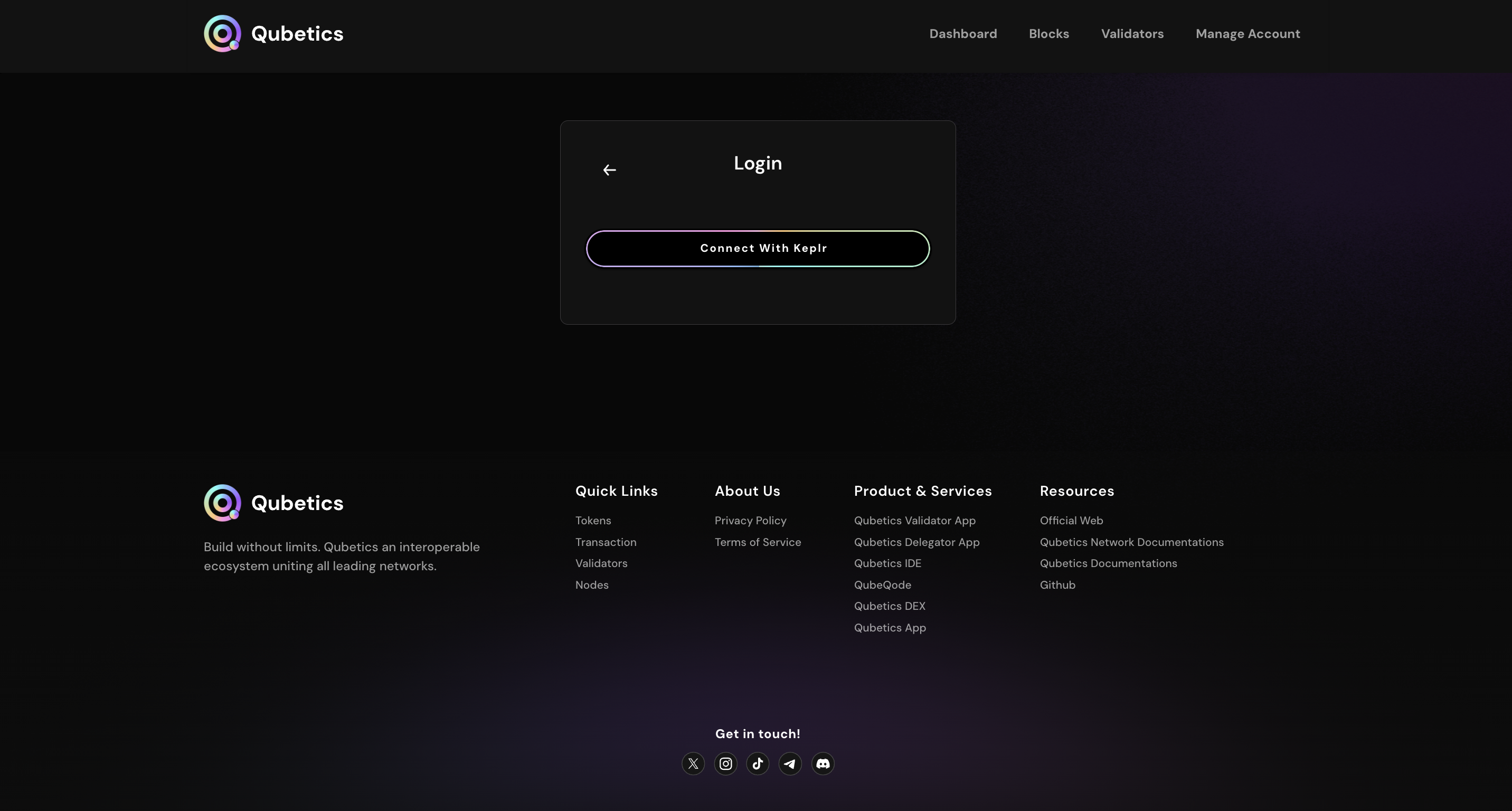
To become a validator on the Qubetics platform, user can access the validator application through a secure login screen that authenticates them before granting them access to validator features.
By connecting to the Qubetics network via a valid node URL and logging in with a wallet. Users can become a validator to participate in the consensus mechanism and manage validator-specific tasks such as staking, unbonding, and account management. This process ensures secure, reliable access and aligns with blockchain best practices.
**Login Section**
This section allows users to authenticate and access the validator application.
* **Node URL Input Field**\
Users need to provide the URL of the node they want to connect to in the Node Information section. This URL serves as a gateway for communication with the blockchain network, enabling validators to interact with real-time blockchain data. Make sure the URL is secured with s in https\://
> **Your IP instance will be like this, e.g.**\
> https\://(port here)\
> or\
> node rpc-url
{% hint style="info" %} **To check your instance IP, use this command: curl** [**ifconfig.me**](http://ifconfig.me)
{% endhint %}
* **Submit Button**\
By clicking the Submit button, the system checks the entered node URL to ensure it is valid. Once the URL is successfully validated, the connection to the node is established.
* **Info Icon**\
Provides additional guidance or tips about connecting to nodes.
* **Connect with Keplr**
This feature allows you to easily connect your Keplr wallet to the Qubetics platform. To get started, make sure you’ve installed the official Keplr wallet extension and added the Qubetics **Mainnet/Testnet** chain to your wallet. Also, ensure that the wallet address you’re connecting to has TICS **Mainnet/Testnet** tokens to access the validator applications.
When you log in using Keplr, the wallet simply connects to the Qubetics interface to authenticate your address and interact with the blockchain. Importantly, Qubetics does not store or access your private keys, seed phrase, or any sensitive data- everything stays securely within your Keplr wallet. The integration ensures a smooth and secure experience while maintaining full control and privacy over your assets.
This process ensures a secure connection between your wallet and the validator system, allowing you to stake and participate in network validation.
{% hint style="info" %}
The Qubetics validator application does not store the user's private key and uses encryption to keep the data secure.
{% endhint %}
* **Log In Button**\
Clicking on the login button authenticates the user. It's important to note that a successful login requires a connection to a valid node, which is essential for accessing the validator features.
* **Connection Note**\
A message is displayed stating, **“NOTE: Connect With Node For Login”**, to remind users that connecting to a node is essential for successful login authentication.
{% hint style="info" %} **Note:** If your node RPC URL is not binded to the domain, then you need to bind your node URL to log in to the validator application.
**Steps to bind the URL:**\ **1.** Set up any proxy server like nginx or ALB (AWS Load Balancer Service) and proxy traffic to the node IP & port from port 80 / 443 \ 2. Configure the proxy server to redirect traffic from 80 to 443\ 3. Set up SSL either using 3rd party certificates or certbot (Let's encrypt cert manager)\ 4. Map the server IP to your domain \
\ **Reference Link:** [https://abhishek-raj.medium.com/how-to-get-your-server-up-and-running-on-https-using-nginx-in-10-minutes-9ea422bca447](https://abhishek-raj.medium.com/how-to-get-your-server-up-and-running-on-https-using-nginx-in-10-minutes-9ea422bca447)
{% endhint %}
---
# Agent Instructions
This documentation is published with GitBook. GitBook is the documentation platform designed so that both humans and AI agents can read, navigate, and reason over technical content effectively. Learn more at gitbook.com.
## Querying This Documentation
If you need additional information that is not directly available in this page, you can query the documentation dynamically by asking a question.
Perform an HTTP GET request on the current page URL with the `ask` query parameter, and the optional `goal` query parameter:
```
GET https://qubetics.gitbook.io/qubetics-docs/getting-started/validator-application-user-guide/validator-login.md?ask=&goal=
```
`ask` is the immediate question: it should be specific, self-contained, and written in natural language.
`goal` is optional and describes the broader end goal you are ultimately trying to accomplish on behalf of the user. GitBook uses it to tailor the answer towards what is most useful for that goal.
The response will contain a direct answer to the question and relevant excerpts and sources from the documentation.
Use this mechanism when the answer is not explicitly present in the current page, you need clarification or additional context, or you want to retrieve related documentation sections.